Generate locally
Passwords are created directly on your Windows computer.
NivaTools Product
UltraPassword Maker is a lightweight Windows utility for generating strong passwords locally on your computer, without relying on an online password generator.
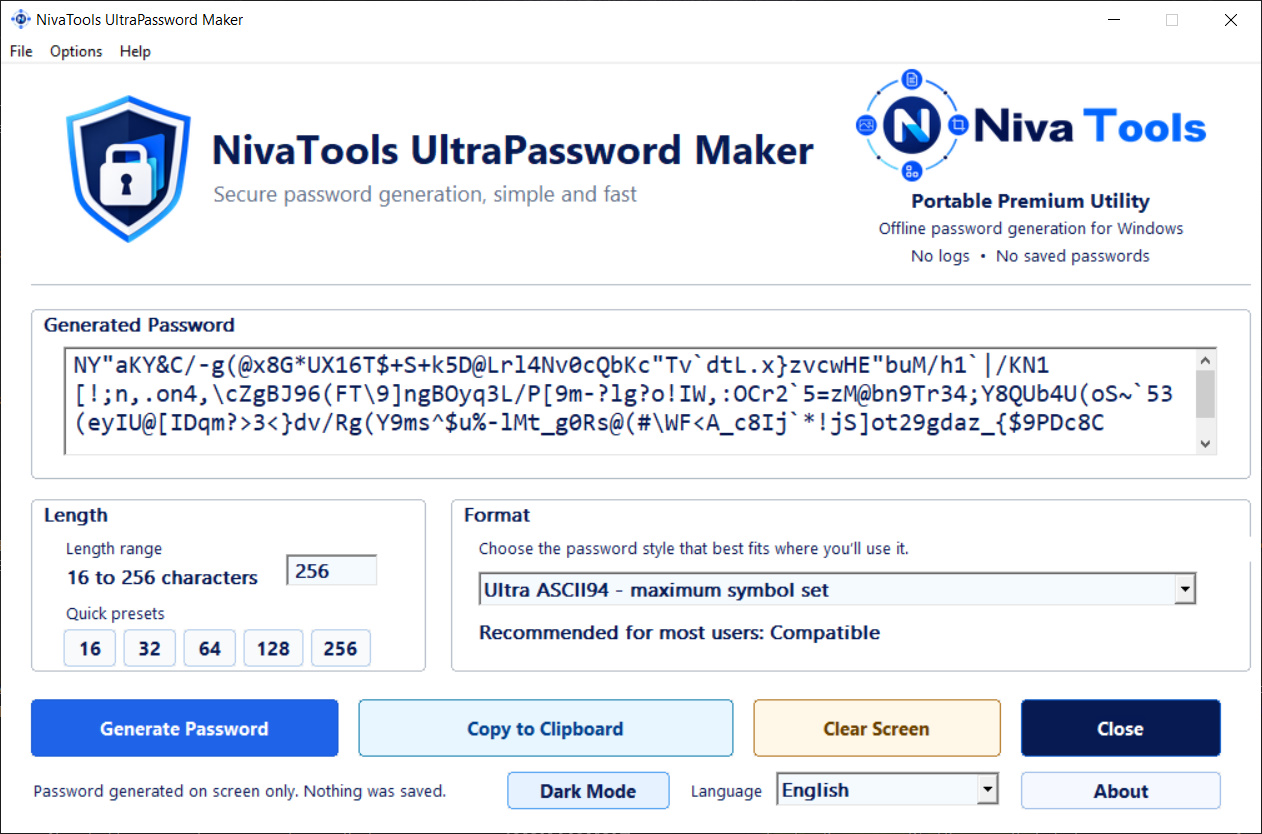
Real interface preview
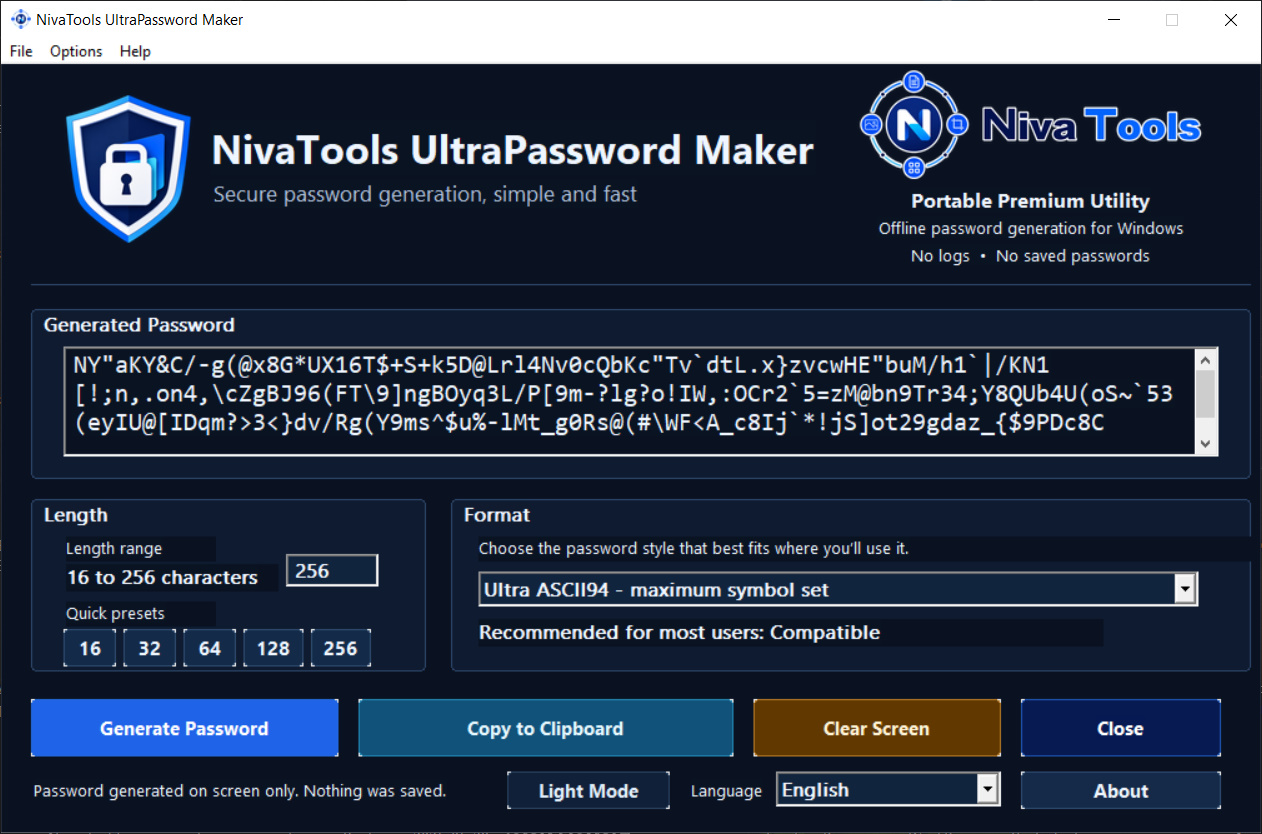
Preview the real application interface in both light and dark modes. The app lets you generate passwords locally, choose lengths up to 256 characters and use the Ultra ASCII94 format for maximum symbol variety.
Local privacy workflow
UltraPassword Maker is designed for users who want strong password generation without depending on cloud services or browser-based generators.
Passwords are created directly on your Windows computer.
The app does not send generated passwords to NivaTools servers.
Generate the password, copy it to the clipboard and use it where you need it.
Generated passwords are not meant to be stored by the app after your session is finished.
Key benefits
UltraPassword Maker focuses on a simple desktop workflow: generate locally, copy only what you need and keep control of how you store credentials.
Create short or very long passwords depending on your use case.
Use a larger symbol set for stronger and more varied password outputs.
Choose the portable version or the setup version included in the ZIP package.
Use the application in multiple supported interface languages.
Generate a password and copy it quickly without extra steps.
Ideal for users who prefer a local desktop utility instead of a web generator.
What is included
The download package includes a portable version, an installer version and a README file with basic usage notes.
Secure checkout and file delivery are handled through Lemon Squeezy. After purchase, download the ZIP, extract it and choose the portable app or installer version.
Who it is for
UltraPassword Maker is useful for people who want a straightforward password tool without opening a browser or depending on online generators.
Generate strong passwords for client dashboards, hosting accounts and internal tools.
Use a lightweight local utility for office workflows and account setup tasks.
Keep a portable password tool available on your own machine or USB workflow.
Avoid cloud dependency when generating sensitive passwords.
Questions
Yes. It is designed as an offline Windows utility for local password generation.
No. The app is designed for on-screen generation and manual copy use. Generated passwords are not saved by the app.
The ZIP package includes a portable version, an installer version and a README file.
Ultra ASCII94 is a high-variation password format that uses a broad character set for stronger and more diverse password outputs.
Yes. The software supports a range from 16 to 256 characters with quick preset buttons.
No. UltraPassword Maker is a password generator, not a password manager. It helps generate passwords, but it does not store accounts or credentials.
Ready to use it?
Use a lightweight offline password generator with portable and installer options, local workflow and privacy-first positioning.